LAST CHANCE
Limited Offer
THE KLING BLING DEAL: Up to 86% Off + Limitless Jan Pass. Active till Jan 31st.
Upgrade Now
Click to add or drag items to canvas
Trusted by Professionals and Creators from top Brands and Companies
Add a clear photo to ImagineArt AI Blur Background. Ensure the subject is fully visible for precise AI detection and realistic background separation.
Click “Generate” to apply AI-powered background blur instantly. Adjust intensity for a professional, natural-looking focus on the main subject.
Save the edited photo in high resolution. Use it for social media, portfolios, or any project needing clean, focused images.
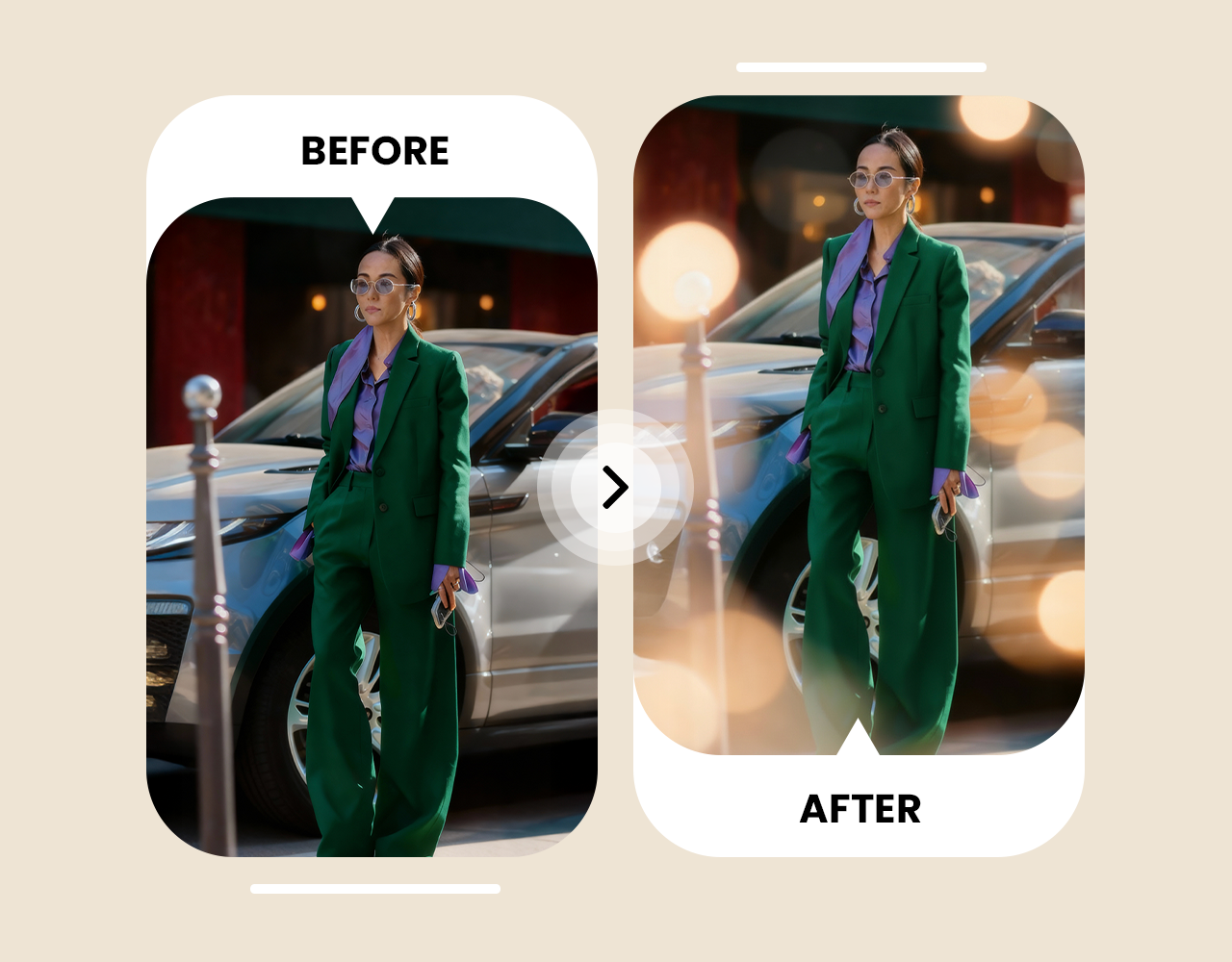
Messy rooms, strangers, or random objects can ruin a photo. ImagineArt AI Blur Background removes distractions and blurs photo backgrounds instantly. Your main subject pops, and private details stay hidden. Photos look clean, professional, and ready to share. Perfect for social media, personal albums, or client work.
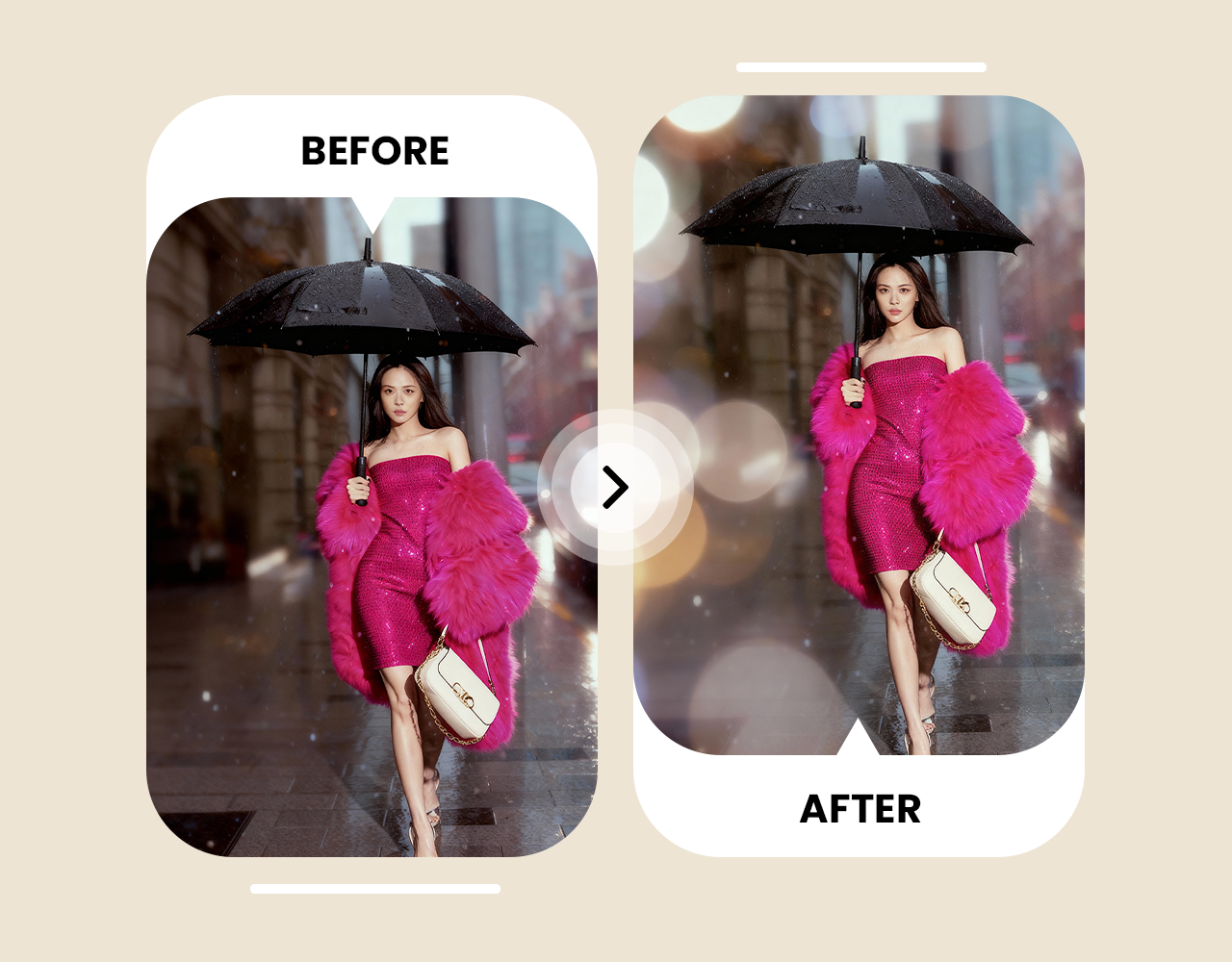
Busy or plain backgrounds can make portraits and product photos look dull. ImagineArt AI Blur Background focuses on your subject with realistic background blur. Create professional-looking portraits or product shots without expensive cameras or studios. Ideal for online stores, portfolios, and marketing. Every photo looks sharp, polished, and attention-grabbing.
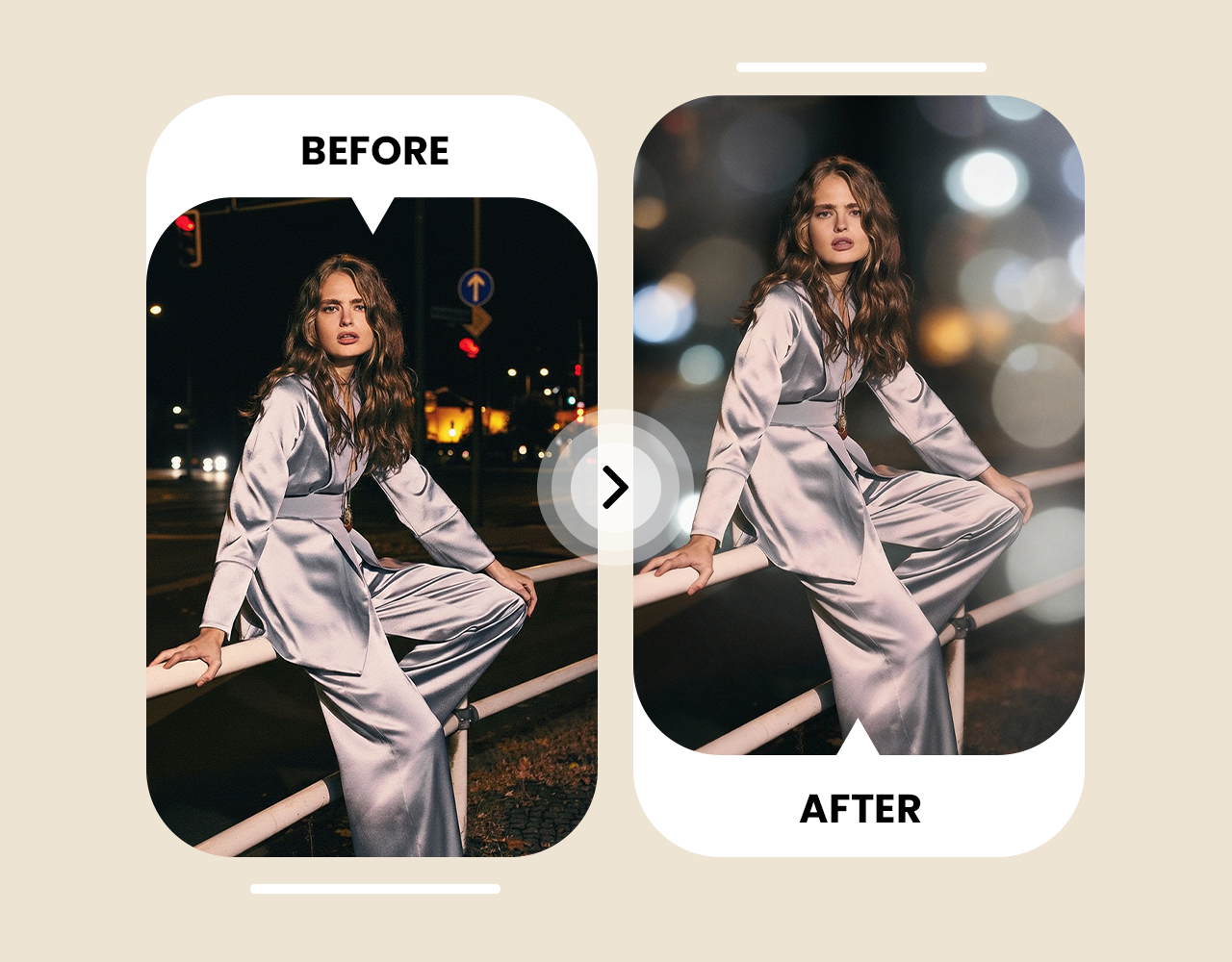
Switching devices or apps shouldn’t slow you down. ImagineArt AI Blur Background works on web, desktop, and mobile. Blur photo backgrounds quickly, whether you’re at home, in the office, or on the go. Beginner-friendly tools make editing simple, and AI does the heavy lifting. Fast processing keeps your workflow smooth and your images looking pro no matter where you are.
ImagineArt AI Blur Background completely changed how I take photos for my Instagram. I can quickly blur the background in photos, and my shots look way more professional without any extra equipment.

Anya Petrova

As a small business owner, I use ImagineArt AI Blur Background to make product photos pop. Blurring the background of images removes distractions and makes my products look clean and polished for online listings.

Ben Harris

I love photography as a hobby, and ImagineArt AI Blur Background makes editing fun and effortless. It automatically blurs the background on my photos, so I can focus on creative composition without worrying about messy surroundings.

Isabelle Kim

For my personal albums, ImagineArt AI Blur Background is a lifesaver. Blurring the background in photos helps highlight my family and friends while keeping clutter or random people in the background unnoticed.

Michael Chenn








