Unlimited Seedance 2.5 is live on Imagine with 50% OFF on Plans
AI Image Replace
AI image replace lets you replace objects, people, and scenes using generative fill online. Edit photos in seconds without reshoots using ImagineArt.
How to Replace or Edit Your Image Using AI Image Eraser
Upload the Image
Upload a photo that needs editing. ImagineArt AI Image Replace scans objects, people, and text to prepare the image for accurate replacement.
Describe the Object to Replace
Add a clear prompt to define the change. ImagineArt AI Image Replace understands prompts like “replace the cup with a glass mug” or “change the person to a business professional.
Generate, Download, or Share
Click generate to apply the edit instantly. ImagineArt AI Image Replace produces a realistic, high-quality result ready for download and reuse.
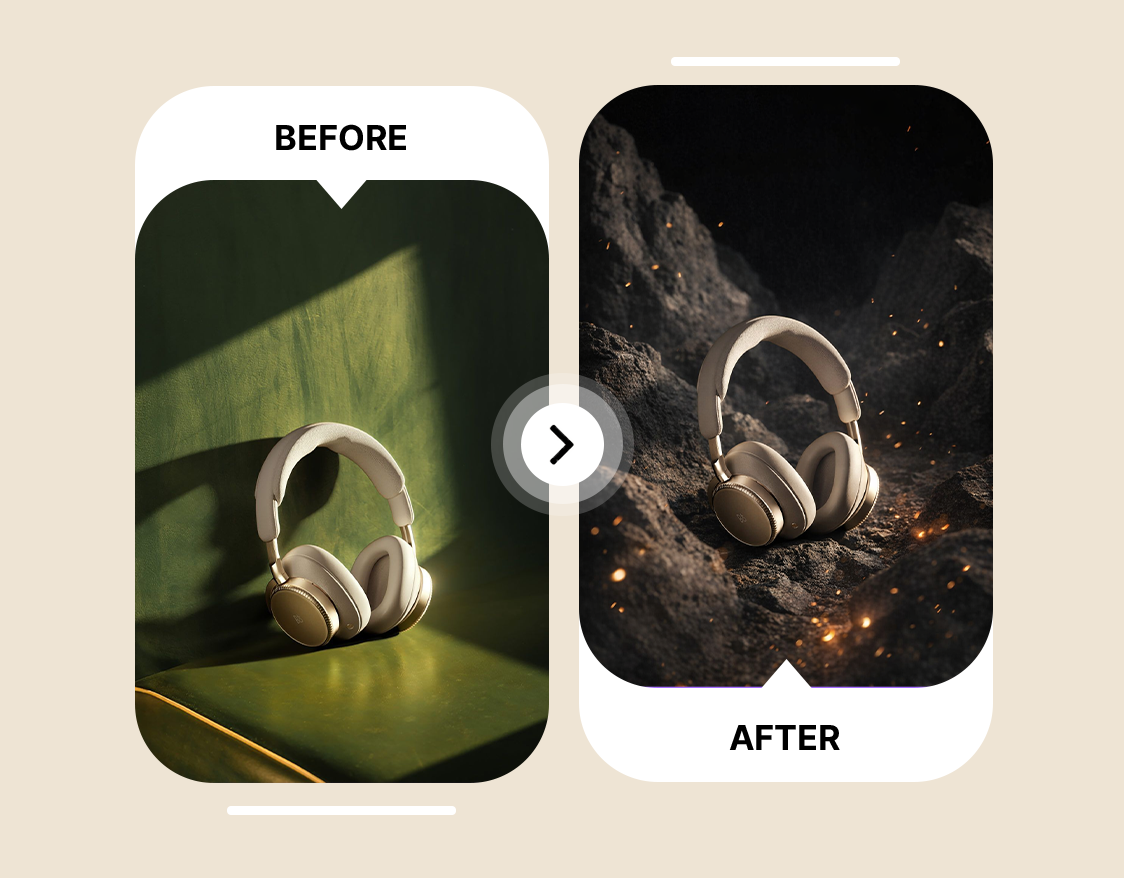
Replace People or Objects in Photos With AI Image Replacer
Photos often capture the wrong person or an object that disrupts the scene, and fixing them manually can take hours. ImagineArt AI Image Replace automatically swaps people or objects based on a simple description, producing seamless results that look natural. Small businesses can update product images for promotions without reshooting, while designers can reimagine layouts by replacing objects directly in the photo, and content creators can enhance portraits so every element fits perfectly in the composition. Need a completely fresh image to start with? ImagineArt AI image generator lets you create any scene or subject from a simple text prompt — then refine it here with precision replacements.
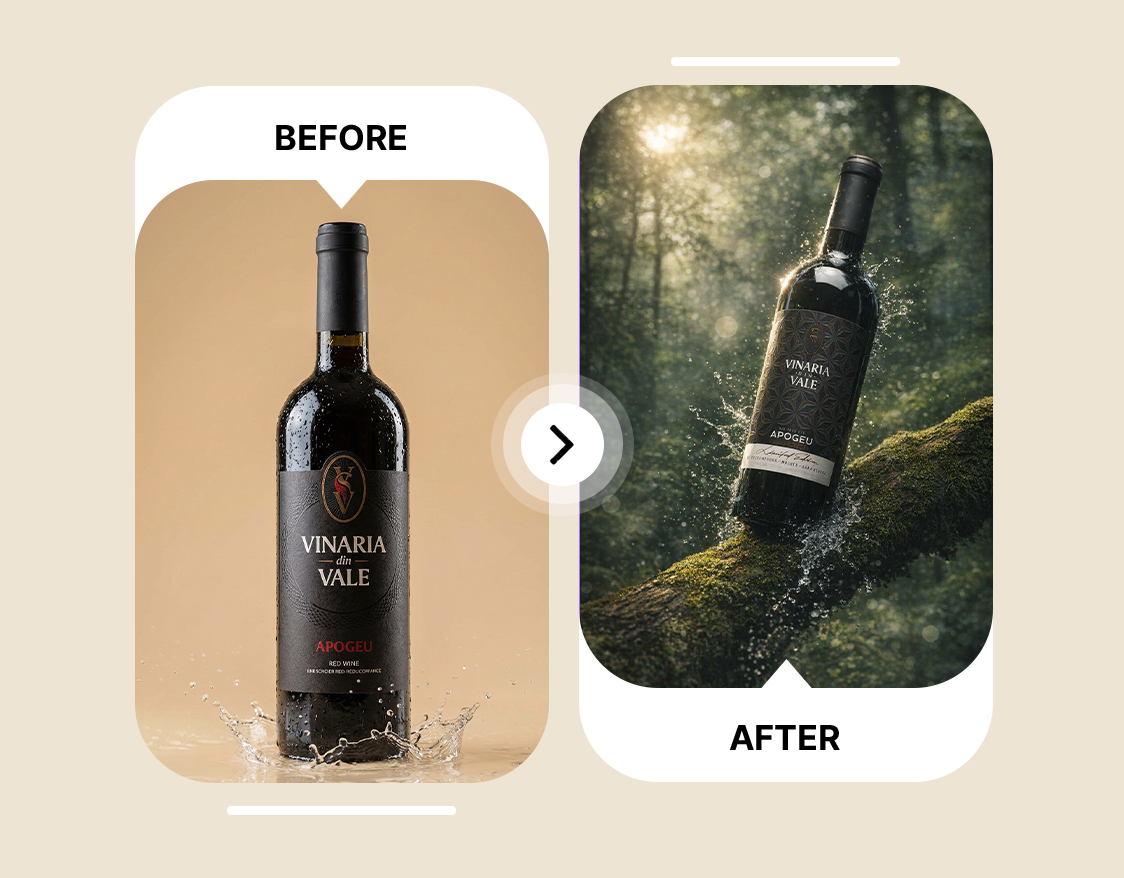
Redesign Images in Seconds Without Any Design Experience
Editing messy or outdated images can feel overwhelming, especially without professional design skills. ImagineArt’s AI tool to replace the background of an image and AI Generative Fill let users erase distractions and fill gaps instantly, producing polished visuals without complex software. Social media managers can refresh posts for campaigns in moments, ecommerce stores can adjust product images to highlight the right elements, and anyone can remove unwanted objects or text from photos while keeping lighting, depth, and realism intact.
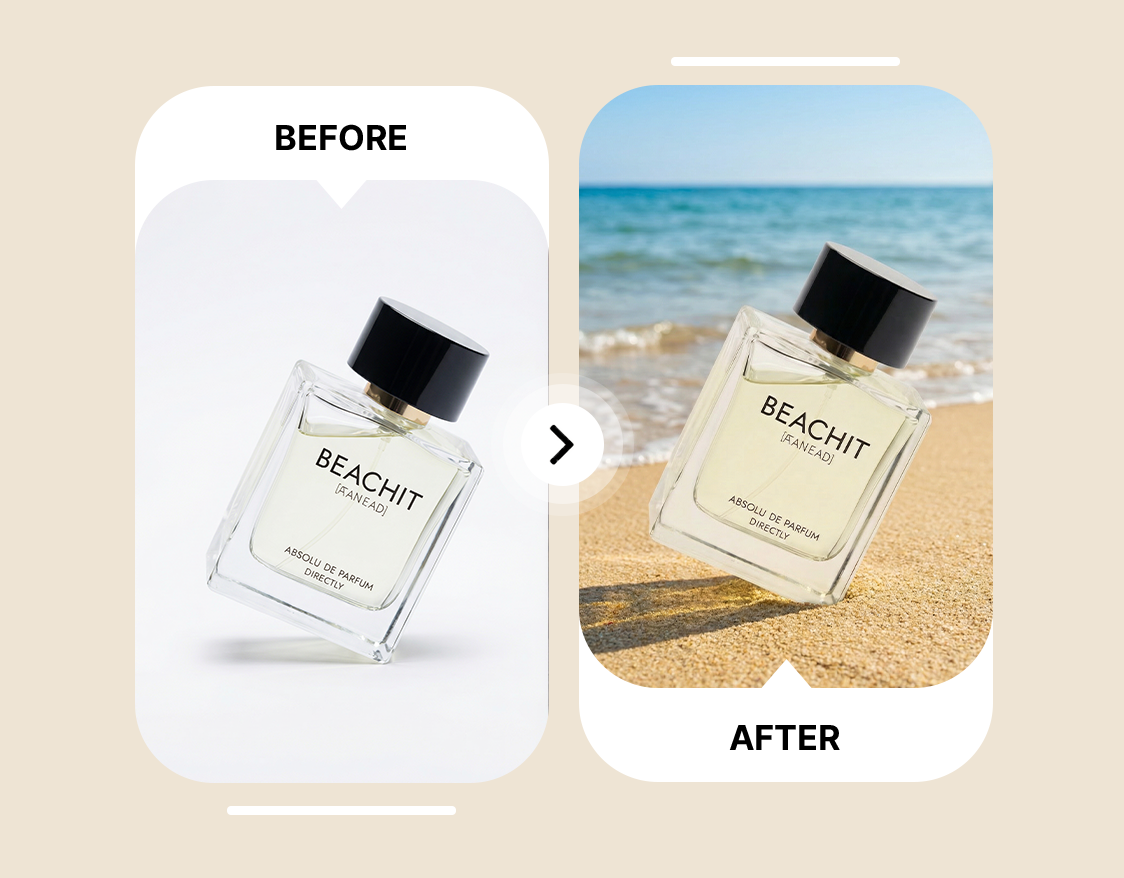
Generate Professional Images for Business and Creative Use
Low-quality visuals make even strong content appear unpolished, undermining engagement and brand perception. ImagineArt AI Image Replace generates professional-ready images by intelligently replacing people, objects, or text, ensuring consistency across every scene. Fashion designers can perfect lookbooks by adjusting models or props, businesses can create cohesive visuals for websites and campaigns, and graphic designers can quickly transform marketing materials into eye-catching, realistic images that drive results. For businesses managing large scale visual production, ImagineArt AI workflows lets you build entire image replacement pipelines, processing hundreds of assets consistently without manual effort.








Trusted by Professionals and Creators from top Brands and Companies
Hear From Users Who Used Our AI Image Replace
I tried ImagineArt AI Image Replace to touch up some family photos, and it was incredible. I could replace objects and even adjust small details without touching Photoshop. The results looked realistic and saved me so much time.

Anya Petrova

For my small business, ImagineArt AI Image Replace has been a game changer. I can swap products in photos, remove distractions, and create polished images for social media campaigns in minutes. It’s perfect for branding and marketing visuals.

Ben Harris

As a hobbyist photographer, I love experimenting with edits, and ImagineArt AI Image Replace makes it easy. I replaced people or objects in scenic shots and got professional-quality results without any complicated tools.

Isabelle Kim

I use ImagineArt AI Image Replace for client work in graphic design. The AI generative fill and object replace AI features let me adjust layouts, change elements, and create high-quality visuals quickly. It makes workflow so much smoother and efficient.

Michael Chenn

Frequently Asked Questions About AI Image Replace
An AI Replacer is a tool that uses artificial intelligence to replace or edit elements in images. ImagineArt AI Replacer allows users to replace objects in photos, swap people, or update text in images quickly and realistically.
To replace an object in a photo, upload your image to ImagineArt AI Replacer, select the object, and provide a description. The AI tool instantly replaces the object in the photo with seamless results using AI Object Replacement and AI Generative Fill.
ImagineArt AI Replacer ranks among the best online tools for AI image replace. It delivers high-quality edits fast, enabling users to replace AI elements, objects, or people in photos without advanced design skills.
ImagineArt AI Replacer supports jpg, png, and webp files, giving flexibility for all types of images and ensuring smooth AI replace image processing.
Yes, ImagineArt AI Replacer offers 100 free credits upon signing up and 100 free credits every month, allowing users to replace objects or text in images without upfront costs.
There is no limit to the number of images you can edit with ImagineArt AI Replacer. Users can replace objects, people, or text in photos freely, using AI Object Replacement and AI Generative Fill for both casual and professional needs.
Replacing an object or person in a photo with ImagineArt AI Replacer takes only a few seconds, as it uses AI Generative Fill to deliver realistic results instantly.