BIGGEST NEW YEAR SALE: Up to 86% Off + Limitless Jan Pass. Active till Jan 10th.

Trusted by Professionals and Creators from top Brands and Companies
Remove Background from Video in Three Quick Steps
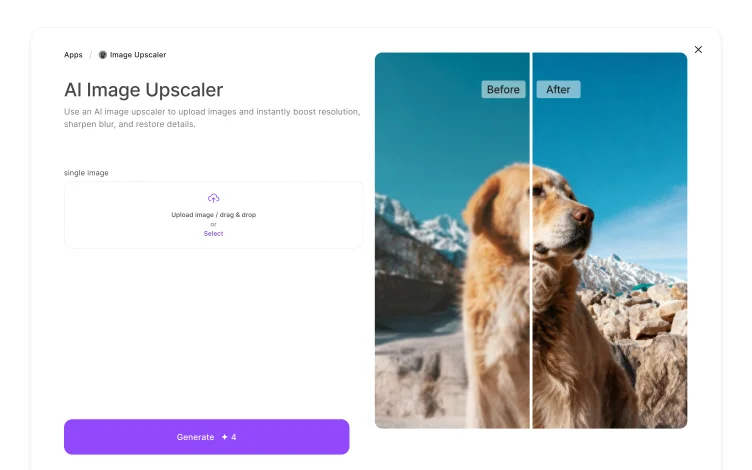
Add Input
Upload the video that you want to edit. Enter the prompt, mentioning the details about the new backdrop or simple background removal instruction. Select the desired aspect ratio.

Generate
Click on ‘generate,’ and for AI to remove the background from a GIF or video. The AI will create a video with a customized backdrop or transparent background as per the input prompt.
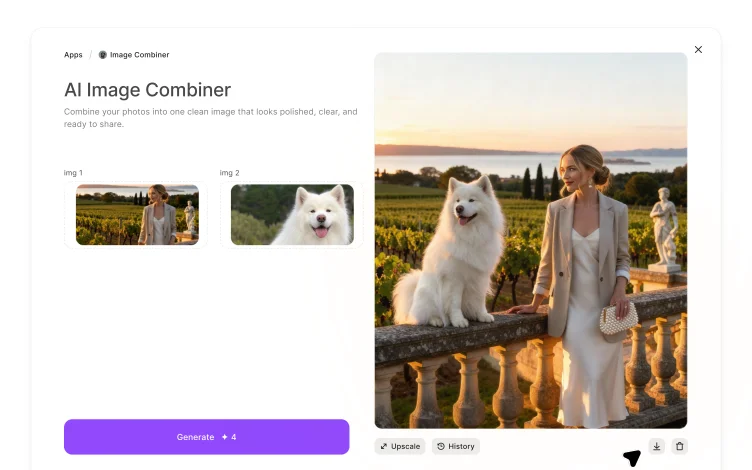
Edit
Download the generated video in your preferred format. Or you can even edit it on ImagineArt AI video editor and customize it to fit your requirements.








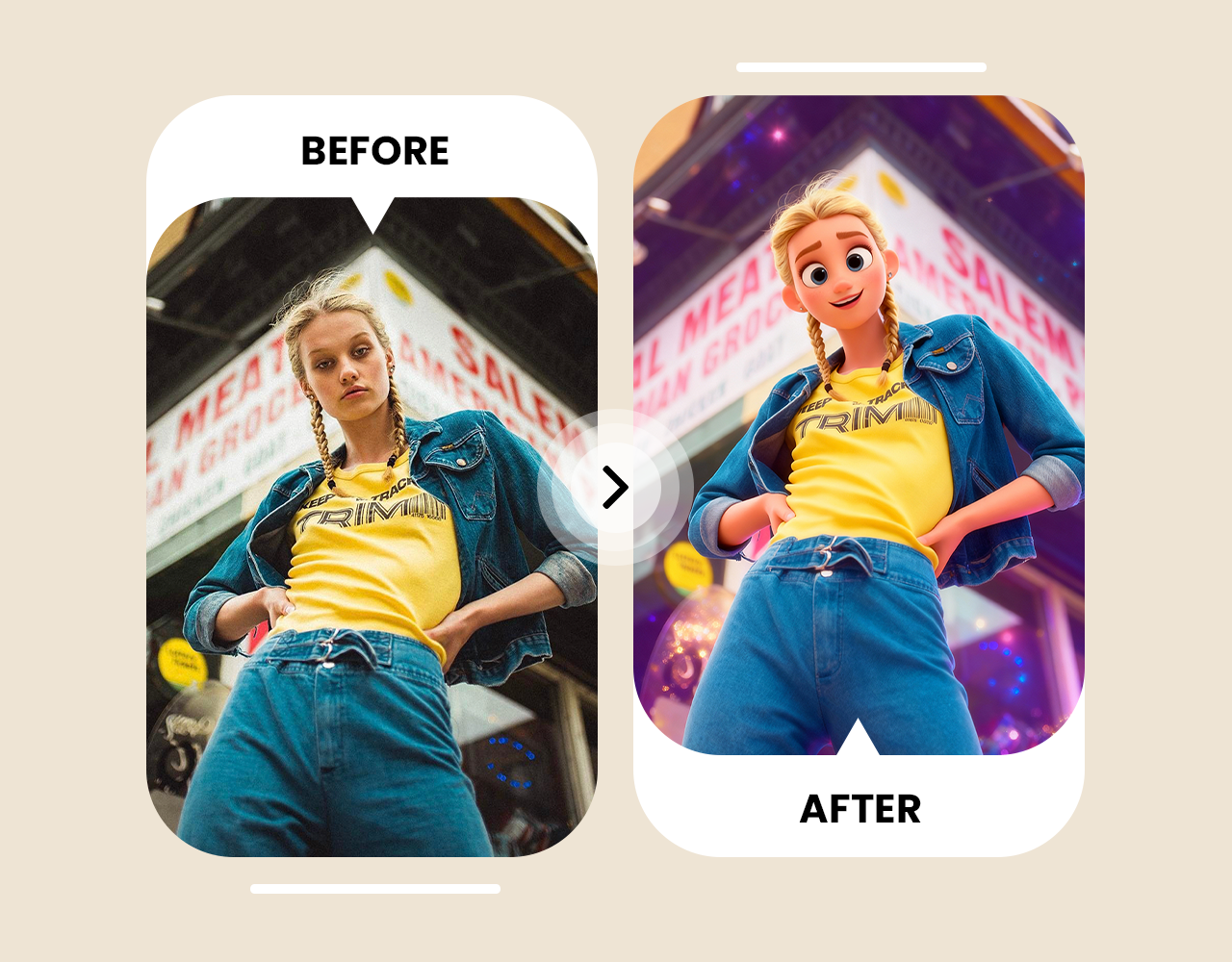
Automated Background Remover
With Imagineart video background remover, you can instantly make the video background disappear with just a single prompt. The AI intelligently detects and isolates the visual elements and removes the background without adding any artefacts or distortions. You get clean, crisp, background-free video without any manual labor.

Customize Video Backgrounds
Imagineart video background remover lets you add and experiment with multiple backdrops to fit your video context. You can replace the background with a different image or generate a transparent video without any background. It allows you to tweak the color palette or repurpose your video without any reshooting.
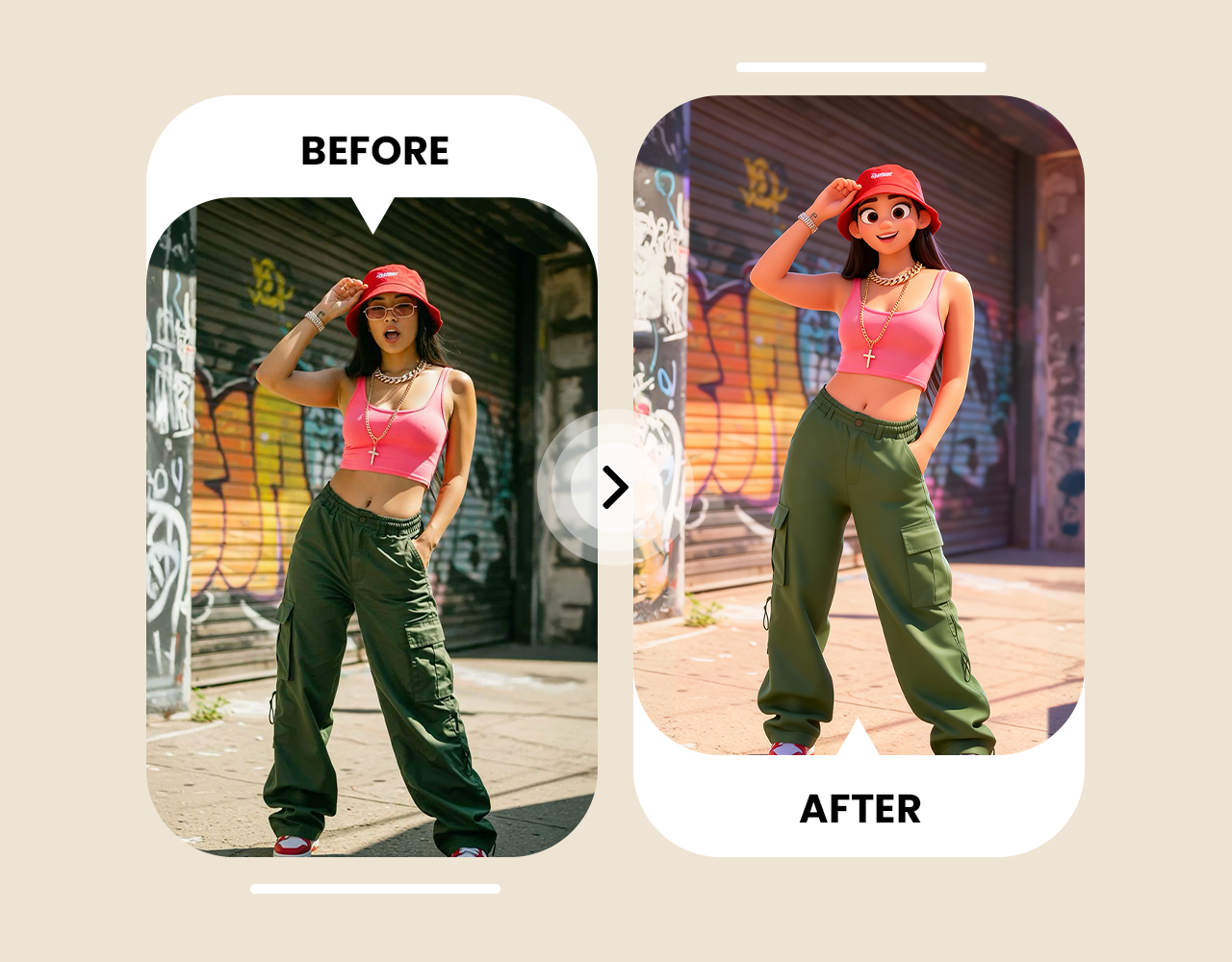
Change Green Screen Backgrounds
ImagineArt works well as a video green screen remover, letting you try different visual effects and backdrops. Replace the ordinary green background with cinematic settings and scenes for creative storytelling and captivating video content. No more wasting effort and time on complicated green screen setups!
Reviews
I love using the ImagineArt video background remover. It is so simple to use, and the results are error-free. Incredible for people like me who don’t have much editing skills!

Anya Petrova

As a video editor, removing the green screen and blending a visual as a background is a challenging task. But with ImagineArt video background remover, I can do all that and much more with just a prompt!

Ben Harris

Now my online tutorials and online guides look way better with tailored backdrops and backgrounds that add to the overall context. A must-have for content creators.

Isabelle Kim

ImagineArt is my one-stop AI video creation and editing platform for product videos. It has reduced my video editing hours by half! And now I can focus more on creating better content than tweaking each element.

Michael Chenn

I work in videography, and this platform has been quite helpful in editing my videos. I don’t need any green screen setups anymore, and with a single prompt, I can place my subject wherever I want.

Ravi Patel

Have questions? We have answers!
A video background remover is an AI tool that lets you remove and change original backgrounds from the video. You can choose to add a new visual as a backdrop or generate a transparent video.
With ImagineArt video bg remover, you can instantly modify the background. All you have to do is upload the video, enter a detailed prompt for the new backdrop, select the aspect ratio, and click generate.
The video bg remover tool leverages AI techniques to detect the main subject and other visual elements. The AI then isolates the subject and masks the foreground, making the background transparent. This lets you swap the background for any other visual you like.
Yes, ImagineArt video background remover can be accessed through free access. You get 100 free daily credits upon sign-up. The daily credits are refilled every 12 hours, ensuring you can experiment and explore the ImagineArt platform.
No, removing video background doesn’t affect the video quality at all. The AI is trained to maintain the visual integrity and scene and character consistency across the frames.
Yes, you can add any visual you like in place of the removed video background. Simply add a text-based prompt mentioning all the details about the new backdrop or scene, and the AI will quickly insert the required visual.